

Budget Planning
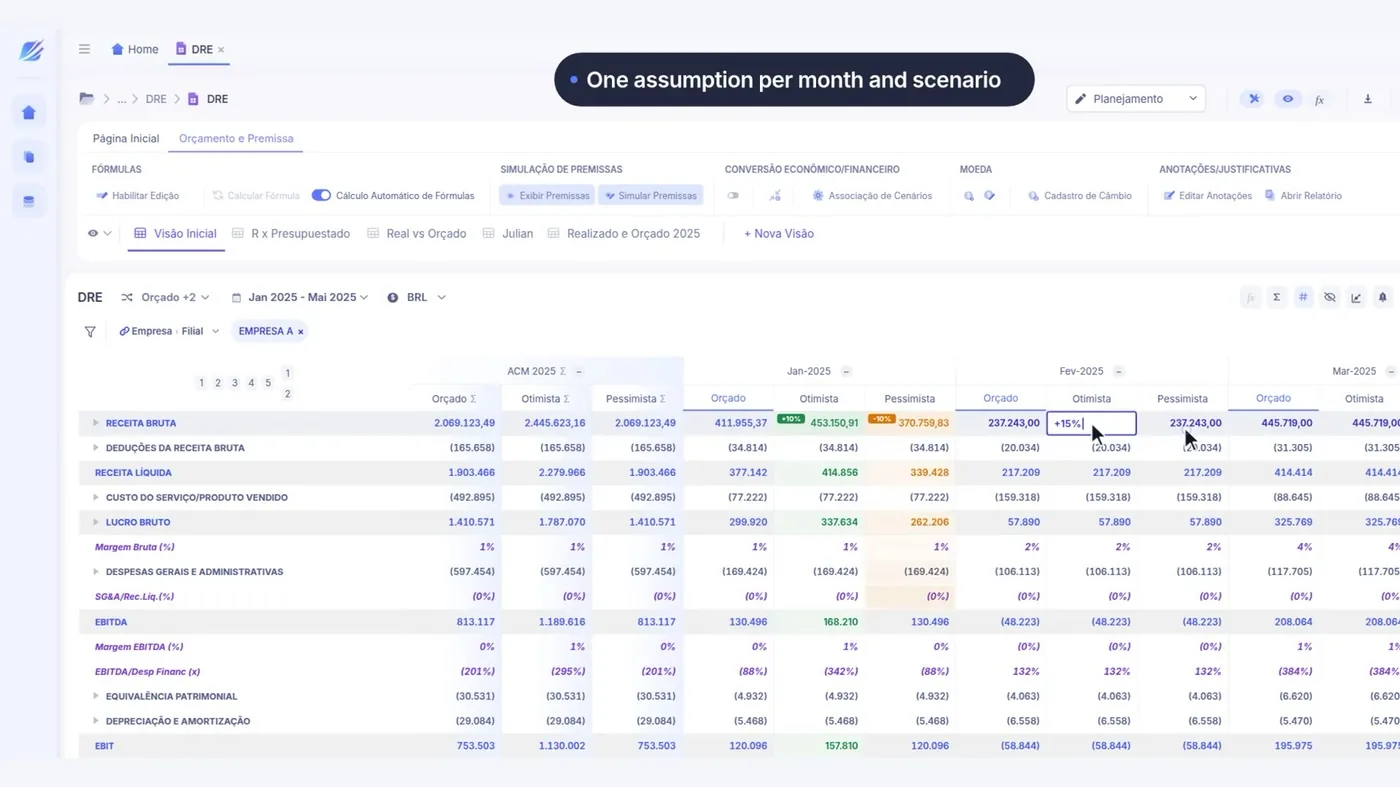
Three scenarios on the same P&L, compared side by side.
Change the assumption and the whole statement rebuilds — and the versions sit side by side so the conversation is about the difference, not about which file is which.
- The interface
- Scenario Simulation
- Duration
- 30 s
- Area
- FP&A and Planning
Companies already operating on LeverPro








5 business days
for the P&L to be ready at Distrivisa — before, it only closed on the 15th
Distrivisa
+100
ERPs integrated natively, the Brazilian ones included
12
native surfaces reading the same base
ISO 27001
information security management
WHAT HOLDS IT UP TODAY
Each scenario is a file that goes stale on its own
It is not a lack of effort: it is the format. A spreadsheet has nowhere to hold the rule, the trail and the permission at once.
A scenario is a "save as"
Three scenarios become three files. A formula fix has to be made three times, and someone always misses one.
Comparing means opening two windows
The difference between scenarios is worked out in your head, with one screen beside another.
The scenario ages
It was built on actuals from two months ago. Nobody knows if it still holds.
BUDGET PLANNING
Scenario Simulation running in LeverPro
30 seconds of the platform really running, recorded from the interface itself. Press play.
Scenario simulation on the P&L in LeverPro, comparing versions side by side.
WHAT YOU SEE ON SCREEN
Three scenarios on one screen, with the difference calculated
Four things happen on this screen, and each one settles a piece of the month.
- 0:03
The base P&L, opened up
The starting point is the platform's real statement, not a parallel model.
- 0:10
The assumption changes
One field, and the effect runs down the whole statement — revenue, cost, margin and result.
- 0:19
The versions side by side
Base, optimistic and conservative on one screen, with the difference calculated between them.
- 0:25
The scenario stays linked to the base
New actuals come in and all three adjust. No scenario ages on its own.
BEFORE AND AFTER
The same operation, in both formats
How it runs today
- Each scenario is a file with its own copy of the formulas
- Comparing means switching windows and doing the maths in your head
- Fixing one error means fixing it in every copy
- The scenario stops at the moment it was saved
With LeverPro
- Scenarios are versions of the same base, with the same rules
- The comparison is a view, with the difference calculated
- A fix in the rule reaches every scenario
- New actuals update every scenario at once
Want to see this on your own figures, and not the video's?
Book a diagnosticHOW IT WORKS
From the ERP entry to the interface
Three steps, and the second is the one most tools skip.
-
The base is the actual statement
The scenario does not start from a modelling spreadsheet: it starts from the P&L the engine produces.
-
The assumption is a field, not a formula
Changing it recalculates whatever depends on it. It is the same propagation mechanism.
-
The version is a comparable object
Saving a scenario means saving a set of assumptions, not a copy of the base.
WHO USES IT
What each role takes from this
FP&A
Answers "what if" in the meeting, with the whole statement reacting.
CFO
Takes three scenarios to the board knowing all three read the same base.
Controller
Keeps the rule in one place and does not chase diverging copies.

“LeverPro delivered efficiency, speed and lower risk, ending the dependence on multiple spreadsheets and making financial decisions far more reliable.”
SNEF Brasil · Engineering
RELATED INTERFACES
Other FP&A and Planning interfaces
The same base, a different operation.
-
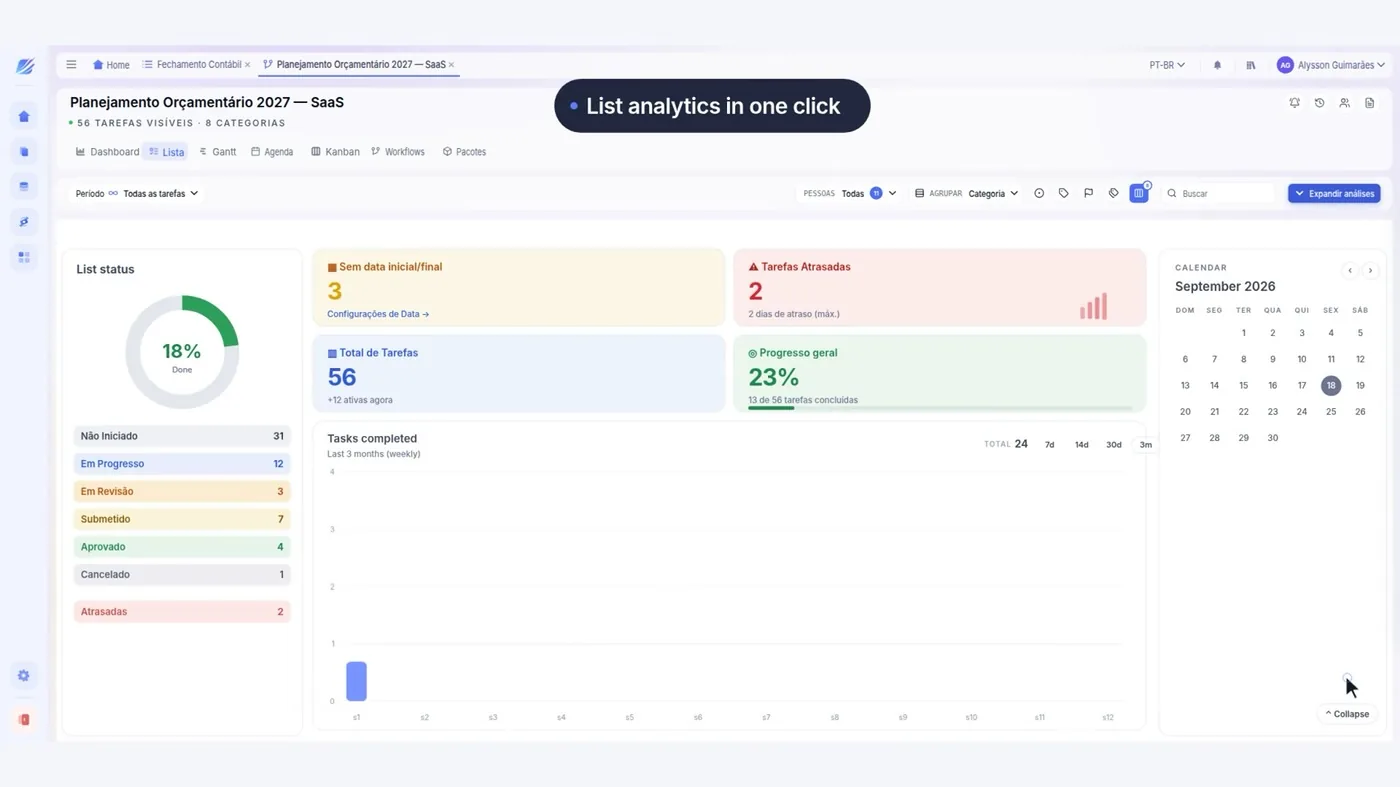 Budget Planning
Budget Control
The whole cycle: tasks, owners and approval by authority limit.
See the interface
-
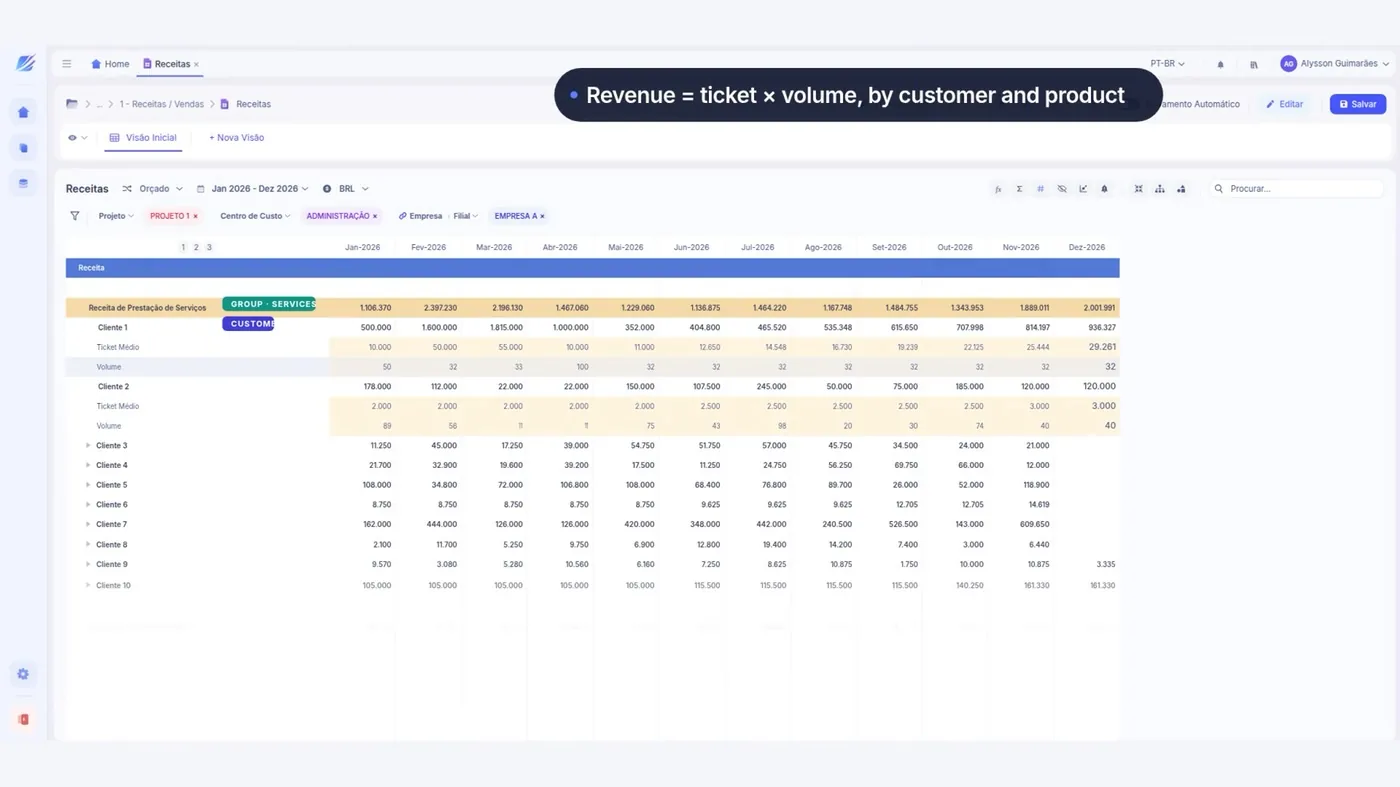 Budget Planning
Revenue Forecast
Revenue projected by product line and by project, linked to the P&L.
See the interface
-
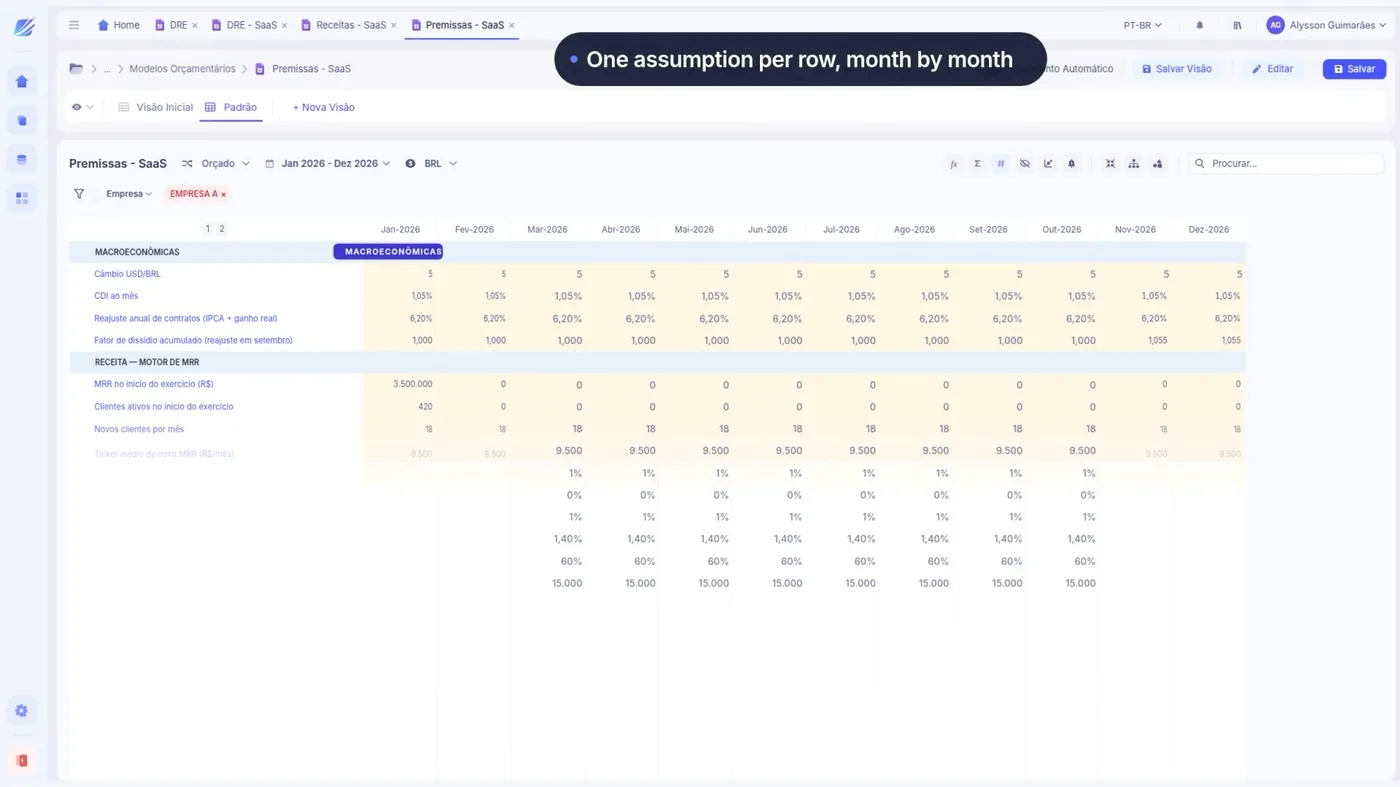 Budget Planning
Financial Modeling
P&L, revenue and assumptions as a single model, with no broken formula.
See the interface
-
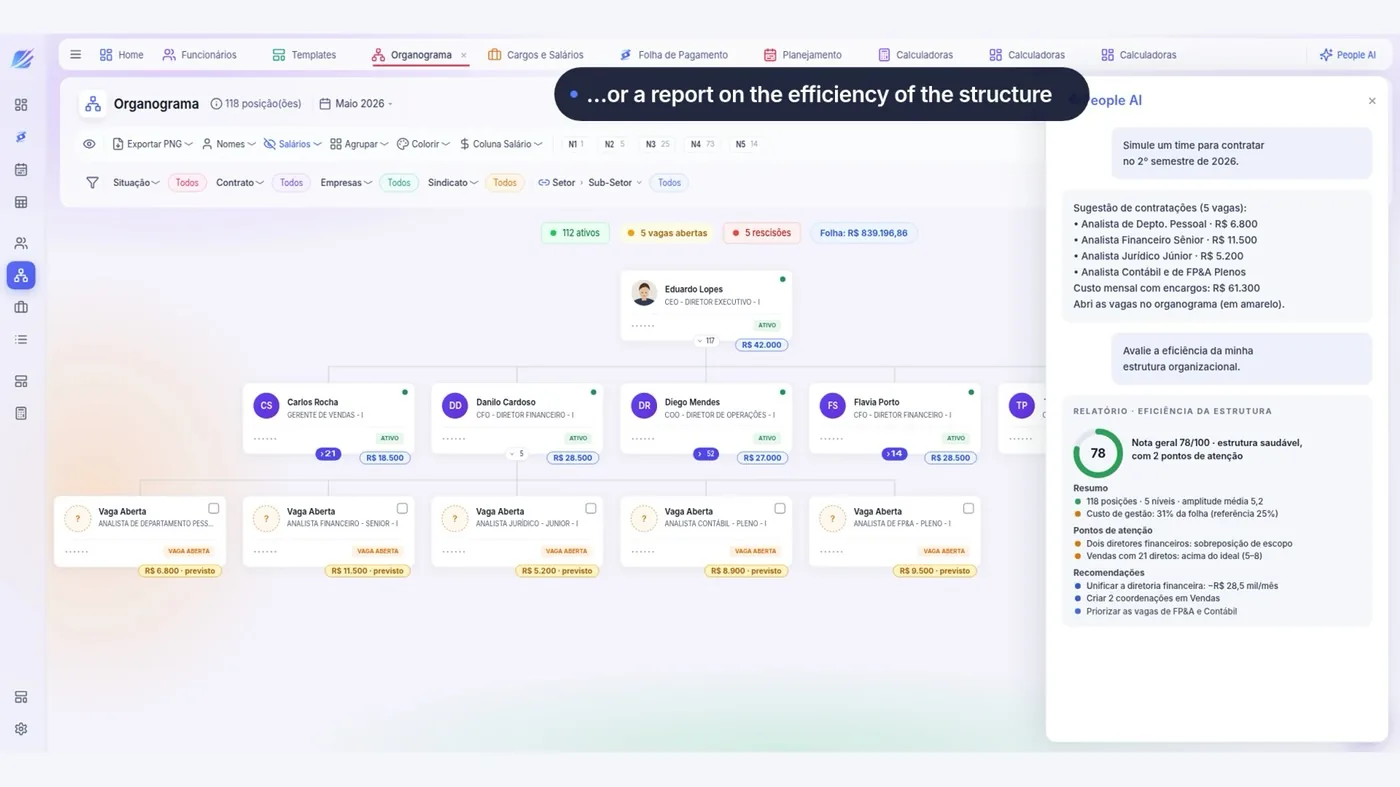 Budget Planning
Org Chart and Payroll
Headcount, roles and projected payroll, with the effect reaching the P&L.
See the interface
-
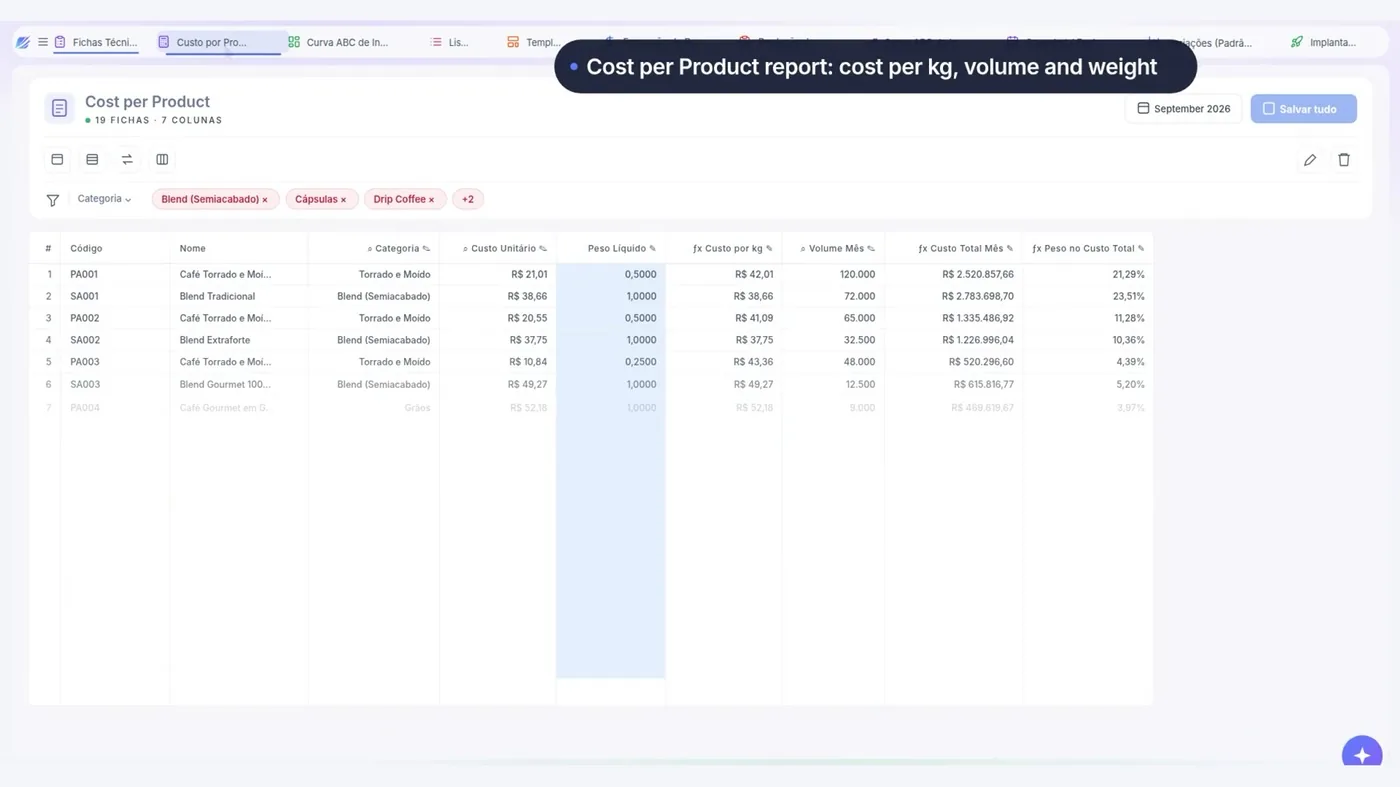 Budget Planning
Cost and Bills of Materials
Bill of materials, ABC curve of inputs and pricing by product.
See the interface
- See FP&A and Planning in full The area's 6 interfaces, what holds it up today and who uses it. Open
QUESTIONS
What people usually ask about this interface
If yours is not here, ask — we reply within one business day.
How many scenarios can be kept?
Can a scenario become the approved budget?
Can it be simulated by branch?
And the impact on cash?
RECOGNITION



Four years running in the 100 Open Startups ranking.
HOW YOUR DATA IS KEPT
-
Who gets in
Corporate authentication through the identity provider the company already uses.
-
Who sees what
Permission by area and by slice, on the same base — with no copy of the file.
-
Where the figure came from
A trail from the consolidated figure to the source accounting entry.
-
How the data comes out
Export guaranteed. The data belongs to your company.
Let's look at your budget cycle
Thirty minutes with people who do this every day, about how your planning runs today.
You leave knowing what can be solved first — or with us telling you it doesn't make sense.
No spam and no mailing list — we reply within one business day.
What happens in the conversation
- You tell us how planning runs today
- We point out what can be solved first
- Where LeverPro fits into your ERP and your spreadsheets
- Or we tell you it doesn't make sense, and that's that
How your data is kept
ISO 27001LGPDSSO / SAMLExportable data